Why Integrating Your POS with Accounting Software Is Essential for Business Growth
As businesses grow, managing sales, expenses, invoices and financial records becomes increasingly complex. When POS systems and accounting software operate separately, business owners often spend valuable time transferring data, reconciling transactions and correcting financial discrepancies.
Integrating your Point of Sale (POS) system with accounting software can simplify these processes, reduce manual work and provide a clearer picture of your business's financial health.
But why is this integration so important, and how can it help your business grow?
What Is POS and Accounting Software Integration?
POS and accounting integration connects your sales system with your accounting platform, allowing financial information to move automatically between both systems.
Whenever a transaction is completed, relevant information such as sales revenue, taxes, discounts, payment methods and inventory costs can be transferred to your accounting system.
Instead of manually entering sales data into accounting software, businesses can automate their financial workflows.
5 Benefits of Integrating POS with Accounting Software
1. Eliminate Manual Data Entry
Manually entering daily sales into accounting software is time-consuming and increases the risk of human errors.
Integration automates the transfer of transaction data, reducing repetitive tasks and allowing your finance team to focus on more important responsibilities.
This helps eliminate:
- Duplicate entries
- Incorrect transaction amounts
- Missing sales records
- Manual invoice processing
- Repetitive data entry
2. Improve Financial Accuracy
When sales records and accounting data are maintained separately, discrepancies can occur between reported revenue and actual transactions.
An integrated system ensures sales information is consistently transferred from your POS to your accounting platform.
This helps businesses maintain more accurate financial records, simplify reconciliation and improve confidence in financial reporting.
3. Get Real-Time Financial Visibility
Business owners need accurate information to make decisions.
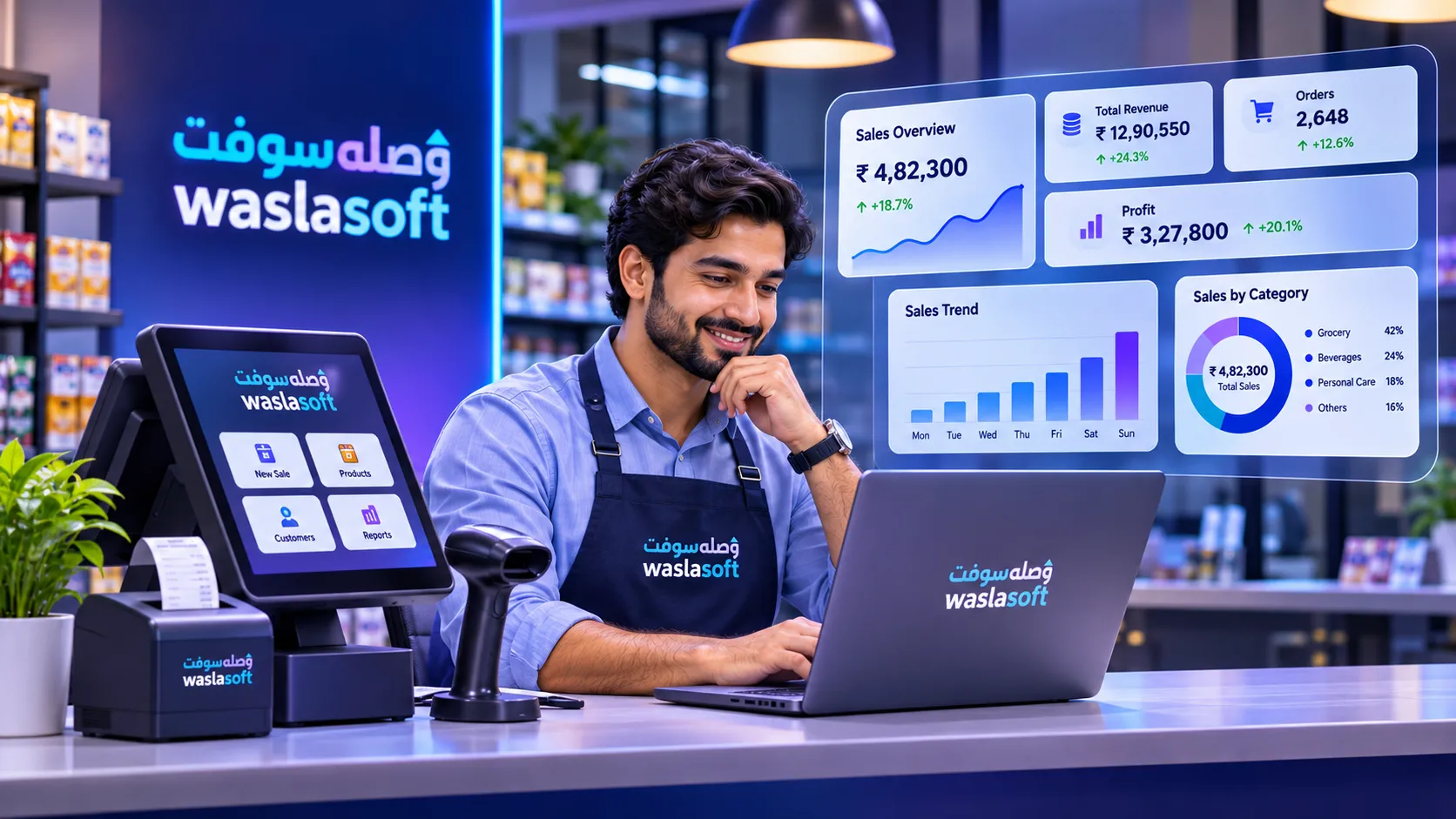
With integrated POS and accounting software, you can monitor important financial information, including:
- Daily sales
- Revenue by branch
- Payment breakdowns
- Tax collections
- Expenses
- Outstanding balances
- Profitability
Having access to reliable financial data helps businesses identify trends, understand performance and make better operational decisions.
4. Simplify Tax and Financial Reporting
Preparing financial reports manually can be challenging, especially for businesses processing hundreds or thousands of transactions daily.
Integration helps organize transaction records, tax information and payment details in a centralized system.
This makes it easier to prepare:
- Sales reports
- VAT reports
- Financial statements
- Tax summaries
- Reconciliation reports
Automated data transfer also reduces the time spent preparing records for accountants and financial reviews.
5. Scale Your Business More Efficiently
As your business expands to multiple branches, the complexity of financial management increases.
A connected POS and accounting ecosystem allows businesses to manage transactions across different locations while maintaining centralized financial visibility.
Whether you operate one store or multiple branches, integration helps standardize financial processes and makes expansion easier to manage.
What Data Should Your POS Share with Accounting Software?
A properly integrated system can transfer several types of financial information automatically.
Sales Transactions
Every completed sale can be recorded with the relevant transaction amount, date, invoice number and branch information.
Tax Information
Applicable tax amounts can be recorded alongside sales transactions, helping businesses maintain organized tax records.
Payment Information
Cash, card, credit and other payment methods can be tracked separately to simplify financial reconciliation.
Customer Information
Customer invoices, credit balances and payment records can be synchronized where supported by the integration.
Inventory and Cost Information
Depending on the integration, inventory movements and cost-related information can also contribute to more accurate financial reporting.
Popular Accounting Integrations for Businesses
Businesses often use different accounting platforms depending on their size, industry and region.
Common accounting integrations include:
- Odoo: Business management, accounting, inventory and CRM
- Zoho Books: Cloud accounting and financial management
- QuickBooks: Accounting, invoicing and financial reporting
- Tally: Accounting and financial record management
Choosing software that integrates with your existing accounting system can help you avoid unnecessary migration costs and maintain continuity in your business operations.
How WaslaSoft Simplifies Business Management
WaslaSoft combines POS and business management capabilities with integrations that help businesses connect their operational and financial workflows.
With integrations for platforms such as Odoo, Zoho, QuickBooks and Tally, businesses can streamline data management and reduce the need for manual transfers between systems.
WaslaSoft helps businesses manage:
- Sales and billing
- Inventory
- Customer information
- Business reporting
- Multiple branches
- Accounting integrations
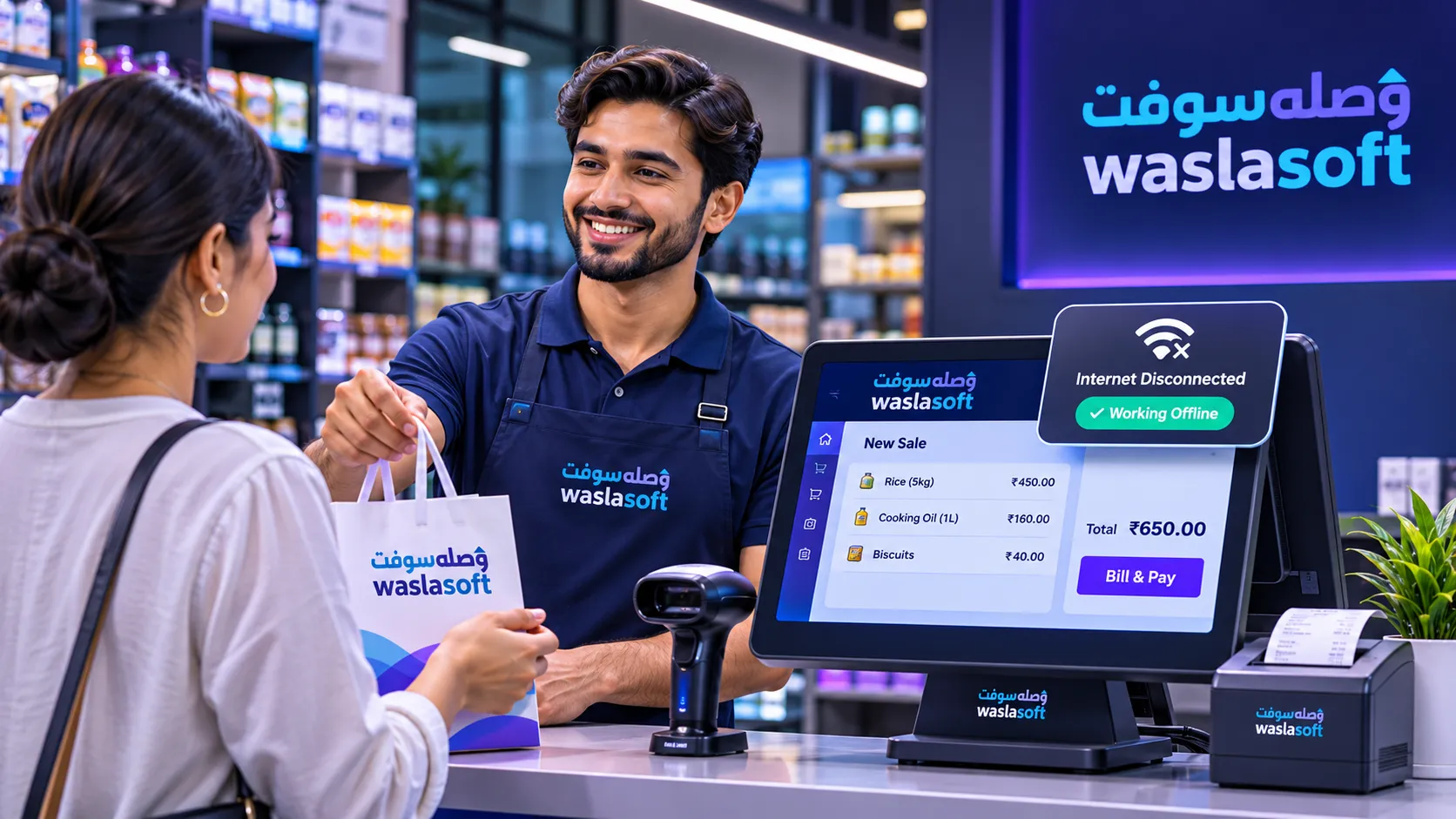
- Online and offline operations
By connecting everyday business operations with financial management tools, businesses can spend less time managing data and more time focusing on growth.
Is Your Business Ready for Integrated Software?
If your team regularly transfers sales information manually, spends hours reconciling transactions or struggles to maintain consistent financial records, integrating your POS with accounting software could be the next step.
The right integration helps improve accuracy, save time, simplify reporting and support better business decisions.
Build a Smarter Connected Business
Business growth requires more than increasing sales. It also requires efficient systems, reliable data and better visibility into your operations.
Connecting your POS and accounting software creates a more organized business ecosystem where information flows smoothly between departments.
With WaslaSoft, manage your business operations and connect your accounting workflow through a unified technology ecosystem.
Explore WaslaSoft and discover how connected business software can simplify your operations.