Choosing the best POS system for your business is one of the most critical decisions you will make as a business owner. Whether you run a high-volume restaurant in Riyadh, a boutique retail store in Dubai, or a multi-branch supermarket in Muscat, your Point of Sale (POS) is no longer just an electronic cash drawer — it is the central nervous system of your entire business.
In this comprehensive guide, we examine what separates a mediocre billing machine from a high-performance ERP & POS platform, the 7 must-have features to look for, regional tax compliance laws (ZATCA, FTA, OTA), and how to select the right system for your specific industry.
1. What Is a Modern POS System?
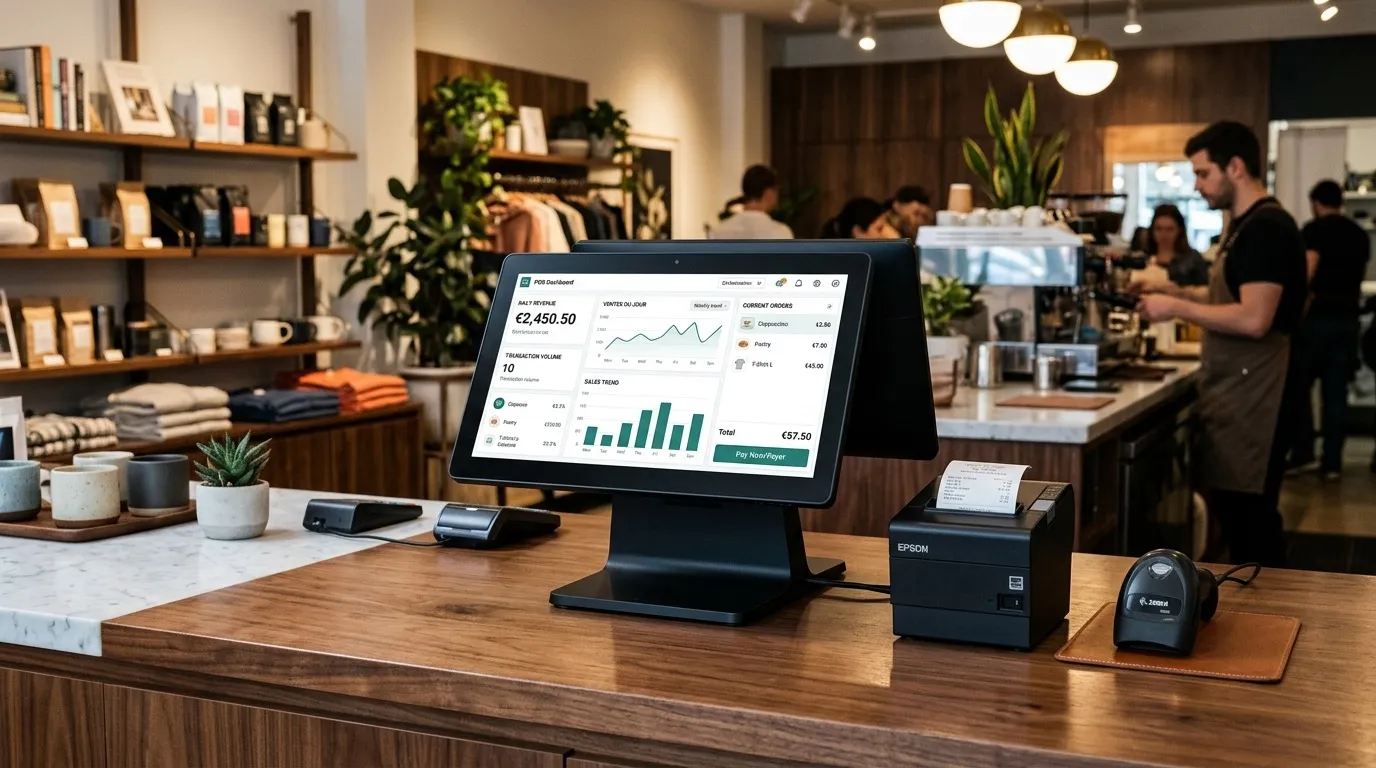
A modern Point of Sale (POS) system combines specialized software and hardware to complete customer transactions, record payment data, and instantly update inventory and general ledgers.
Unlike traditional cash registers that merely total sums and hold physical cash, a modern POS platform synchronizes:
- Front-counter billing: Barcode scanning, touch-screen order entry, and multi-tender payments (Cash, Card, Mada, Apple Pay, Tabby, Tamara).
- Kitchen / Back-office operations: Kitchen Display Systems (KDS), automated stock depletion by recipe, and production tracking.
- Enterprise management: Multi-warehouse stock tracking, vendor purchase orders, and financial accounting reports.
2. Why Businesses Are Moving From Traditional Billing to Smart POS
Operating with a traditional cash register or manual Excel spreadsheets introduces severe operational risks:
- Inventory Shrinkage & Revenue Leakage: Without real-time tracking, stock disappears between deliveries and sales counters unnoticed.
- Slow Checkout & Long Customer Queues: Manual price lookups waste valuable seconds per customer, hurting table turnover and retail footfall.
- Manual Bookkeeping Nightmares: Spending hours at midnight matching paper receipts to bank statements is inefficient and error-prone.
- Tax Non-Compliance Penalties: Tax authorities across Saudi Arabia (ZATCA), the UAE (FTA), and Oman (OTA) enforce strict penalties on manual or non-compliant receipts.
Upgrading to an integrated POS stops revenue leaks on day one, accelerates checkout speed by over 60%, and automates all tax filings.
3. 7 Critical Things to Check Before Choosing a POS System
When evaluating the best POS system for business operations, demand these 7 core capabilities:
① Real-Time Multi-Location Inventory
Your POS must update inventory across all branches and storage warehouses simultaneously. Look for:
- Low-stock automated alerts before shelves run empty.
- Batch and expiry date tracking (essential for food, cosmetics, and supermarkets).
- Recipe and ingredient costing for food & beverage businesses.
② Offline-First Resilience (Zero Downtime)
In fast-paced retail and hospitality environments, an internet glitch cannot halt customer sales. A true offline-first hybrid POS enables cashiers to continue scanning, billing, and printing receipts even during complete ISP outages. Once connectivity resumes, transactions seamlessly sync to the cloud.
③ Multi-Branch Centralized Management
If you plan to scale from 1 branch to 5 or 50, you need centralized control. You should be able to update item prices, push promotional discounts, and monitor branch revenues from a single master dashboard.
④ Regional E-Invoicing & Tax Compliance
Ensure the software has native compliance for your country:
- Saudi Arabia (KSA): Full ZATCA Phase 1 & Phase 2 integration with cryptographic stamps and compliant QR codes.
- United Arab Emirates (UAE): FTA-compliant tax invoices with 5% VAT calculations.
- Oman: OTA-compliant digital receipts with 5% VAT.
⑤ Actionable Sales Analytics & Reporting
The best POS provides live intelligence: hourly sales velocity, employee sales performance, profit margins per category, and dead-stock identification.
⑥ Native ERP & Accounting Integration
Avoid double-entry bookkeeping. The POS should directly feed sales entries, cost of goods sold (COGS), and payment reconciliations into your accounting general ledger (or integrate with Odoo, Zoho, QuickBooks, and Tally).
⑦ Role-Based Access Security & Audit Trails
Prevent employee theft and unauthorized discounting with granular user permissions. Every price edit, item void, or cash drawer open must be logged with timestamp and user ID.
4. Specific POS Compliance Requirements in Saudi Arabia, UAE & Oman
Compliance standards vary across regional jurisdictions:
| Country | Tax Authority | Key Mandatory Requirements |
|---|---|---|
| Saudi Arabia | ZATCA (Fatoora) | Phase 2 XML clearance/reporting integration, cryptographic stamps, tamper-proof UUIDs, and mandatory B2C/B2B QR codes. |
| United Arab Emirates | FTA | 5% VAT breakdown, bilingual Arabic/English tax invoices, and clear Tax Registration Number (TRN) display. |
| Oman | OTA | 5% VAT calculation, bilingual digital receipt printing, and comprehensive fiscal audit logs. |
WaslaSoft provides certified out-of-the-box compliance for all three jurisdictions without requiring expensive 3rd-party middleware.
5. POS Systems for Different Business Types
One size does not fit all. Here is what different verticals require:
- Restaurants & Cafes: Fast split-billing, kitchen display systems (KDS), table management, online aggregator integration (Jahez, HungerStation, Talabat), and combo modifier management.
- Retail & Fashion Stores: Matrix variants (size/color/style), barcode label printing, customer loyalty points, and exchange/refund policy controls.
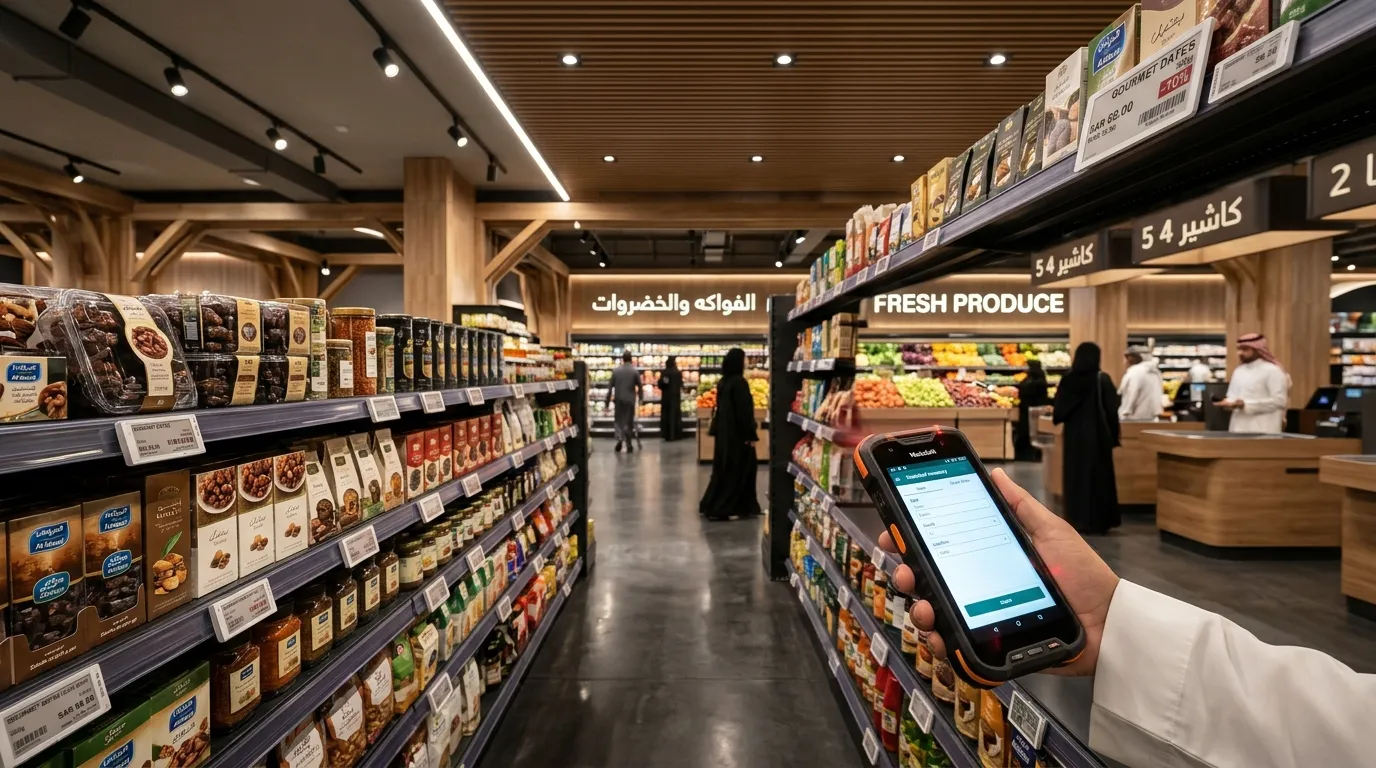
- Supermarkets & Groceries: Heavy-duty weighing scale barcode integration, fast barcode search, and high-concurrency checkout lanes.
- Salons & Spas: Appointment booking calendars, stylist commission calculation, and customer service histories.
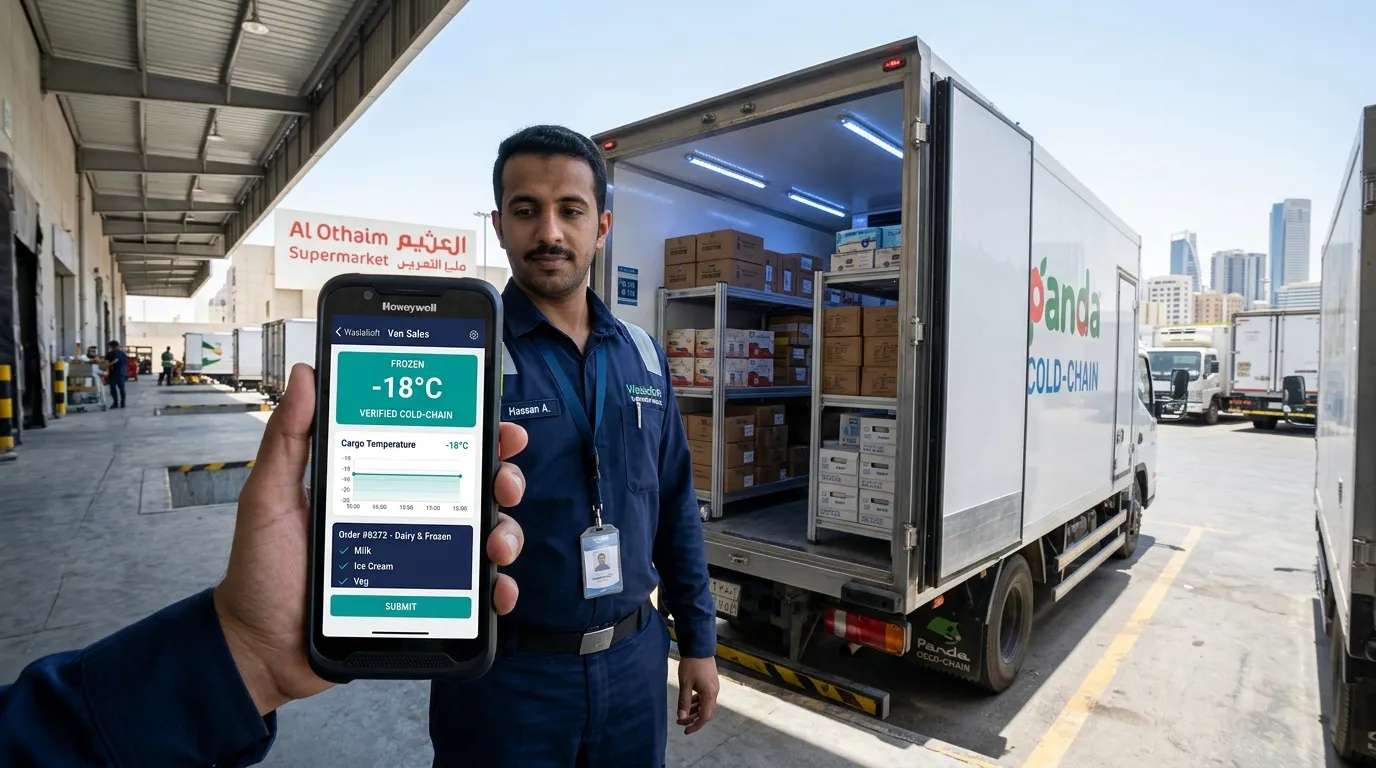
- Van Sales & Mobile Distribution: Handheld Android POS terminals, route planning, real-time vehicle van stock tracking, and on-spot receipt printing.
6. Cloud POS vs Offline/Hybrid POS: Which Is Better?
| Feature | Pure Cloud POS | Legacy On-Premise POS | Hybrid Offline-First POS (WaslaSoft) |
|---|---|---|---|
| Internet Outage | ❌ Halts all sales | ✅ Works offline | ✅ Full offline billing & sync |
| Remote Mobile Access | ✅ Anywhere from phone | ❌ Only on local server | ✅ Live phone & cloud dashboard |
| Hardware Flexibility | ⚠️ Often vendor-locked | ❌ Expensive proprietary PCs | ✅ Runs on Windows, Android & iPads |
| Automatic Updates | ✅ Automatic | ❌ Manual technician visit | ✅ Automatic cloud updates |
| Data Safety | ✅ Cloud backed up | ⚠️ Local hard drive risk | ✅ Cloud backed up + local caching |
A hybrid offline-first POS delivers the best of both worlds: complete offline reliability at the cash register with the convenience of cloud reporting and centralized multi-branch control.
7. How the Right POS System Reduces Business Costs
Investing in a high-grade POS platform yields immediate measurable return on investment (ROI):
- Reduce Inventory Waste by 15-25%: Automated reorder alerts prevent overstocking perishable items and dead stock.
- Speed Up Customer Checkout by 60%: Barcode scanning and integrated payment terminals eliminate queue abandonment.
- Eliminate Non-Compliance Fines: Automated ZATCA and VAT invoices remove the risk of heavy regulatory penalties.
- Save 10+ Hours Every Week: Instant end-of-day Z-reports and automated accounting sync eliminate manual paperwork.
8. Why WaslaSoft Is the Practical Choice for Regional Businesses
WaslaSoft was engineered specifically for retail and hospitality businesses in Saudi Arabia, the UAE, Oman, and Qatar:
- True Hybrid Offline-First: Never lose a customer sale during internet or power dips.
- Native Bilingual Engine: Seamless Arabic & English interfaces, bilingual receipts, and localized customer support.
- Certified E-Invoicing: Pre-configured for ZATCA Phase 2, FTA, and OTA compliance.
- Complete Suite: POS, inventory, accounting, HR, and CRM under one unified license without hidden module fees.
- Hardware Agnostic: Connect your existing receipt printers, cash drawers, barcode scanners, and payment terminals effortlessly.
Conclusion: Take the Next Step
Choosing the best POS system for business comes down to three factors: reliability during peak hours, effortless multi-branch inventory control, and total regulatory compliance.
Don't let an outdated cash register hold back your business growth.
Ready to experience the difference?
Book a free personalized demo with WaslaSoft and see how our hybrid POS streamlines your sales, inventory, and accounting in under 24 hours.